


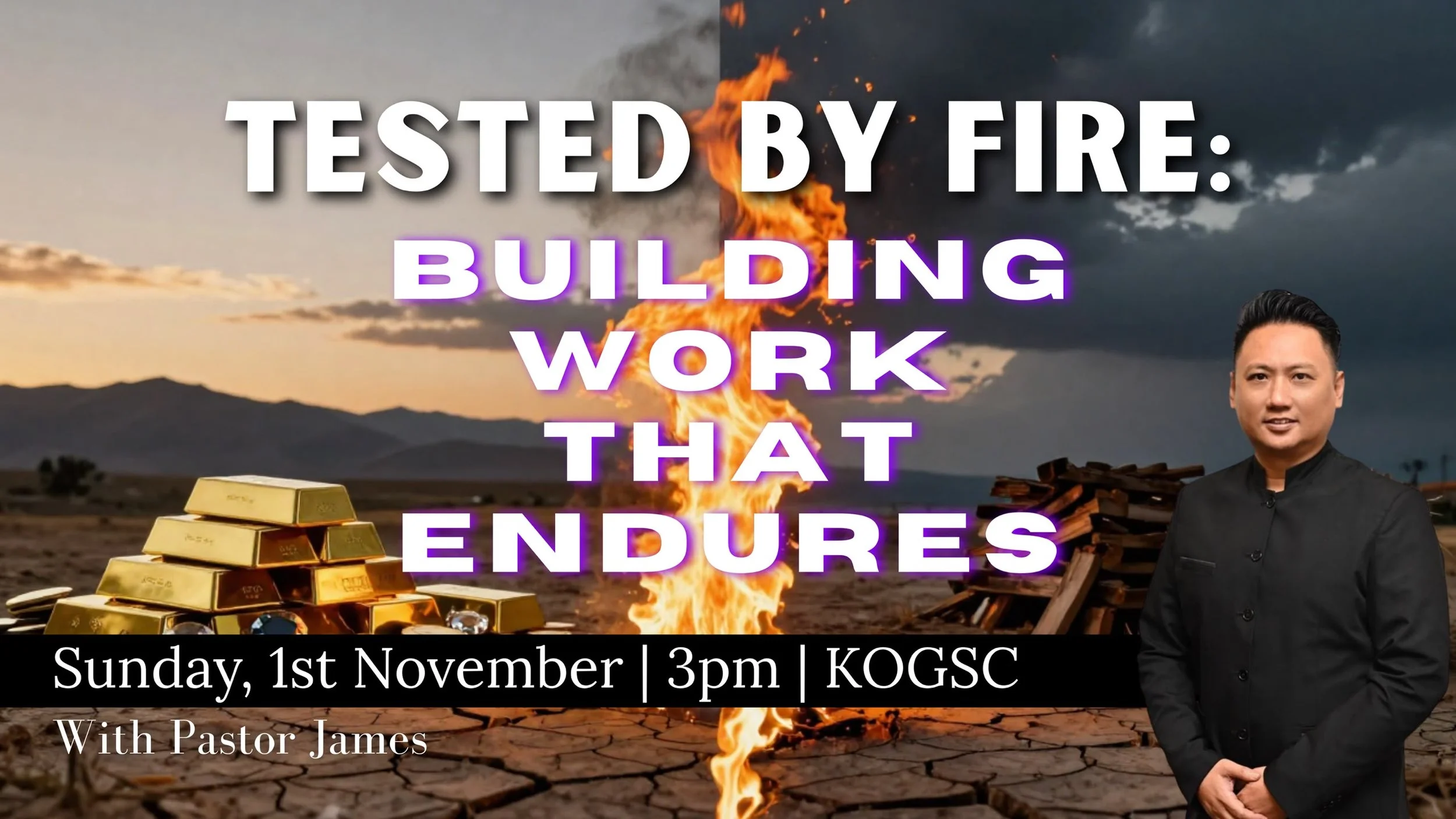
Instructions to amend existing carousel:
Step 1 - Restore Previous Session
Copy the output embed code in home page in edit mode.
Go to Carousel Widget (live page).
Click on Load from existing embed code and paste the code.
Step 2 - Amend & Update Accordingly
Make the amendments and paste the updated code block in home page.
Instructions to add new carousel:
1. Upload images and videos (into the links) above in edit mode
2. Go to live page to grab the links
- Video copy paste directly
- Image right click open in new tab and copy those links
3. Paste links into carousel widget and add text accordingly
4. Once done, get embed code and paste into code block in home page in edit mode.
Squarespace Widget Builder
Build all four parts of your testimonies section in one place — switch between the tabs below to edit each widget's text, images and videos, then export or re-load each one's own ready-to-paste embed code separately.
The Squarespace collection this pulls testimonies from.
This combines the videos from the "Youtube Video Gallery" tab and the categories from the "Testimonies Image Carousel" tab into one Watch Videos / Read Testimonies toggle. Edit the content on those two tabs — this tab only sets the toggle labels and exports the combined code.
Live preview
The preview jumps to whichever tab you're editing. Testimony tabs may show "couldn't load" here since this page can't reach kogsc.org directly — they'll load correctly once embedded on your site.






Nice carousel but it is not free.
